
Simplify Document Signing with Cyllo Sign
Transform business operations with Cyllo Sign, enabling secure digital signatures, faster approvals, seamless document workflows, and effortless collaboration.
Transform business operations with Cyllo Sign, enabling secure digital signatures, faster approvals, seamless document workflows, and effortless collaboration.

Modern businesses require secure, efficient, and paperless document approvals. Cyllo's Sign Module streamlines digital signatures with reusable templates, customizable signature fields, signer roles, signing requests, and real-time tracking, ensuring every document is signed quickly, securely, and with complete visibility.

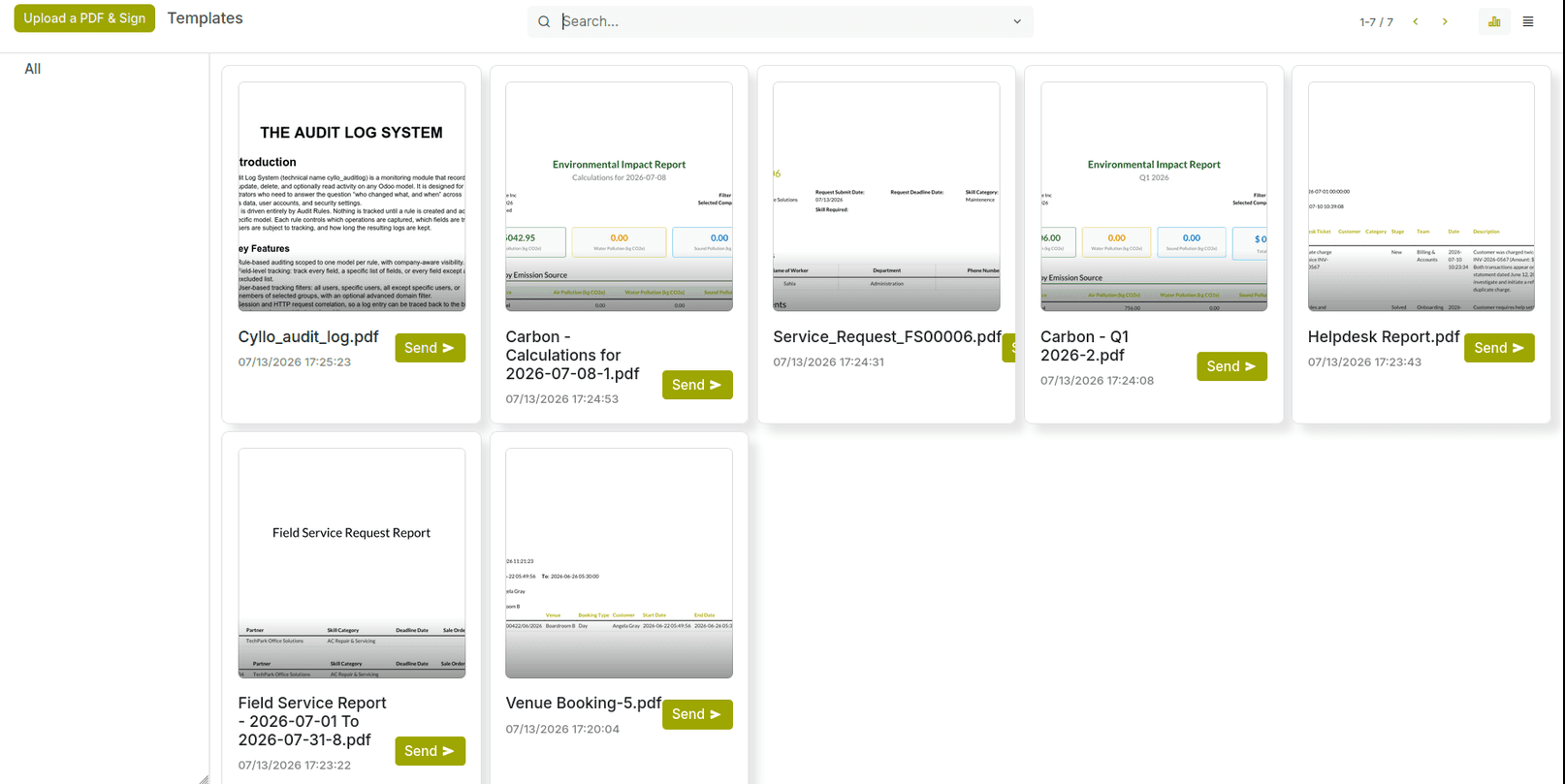
Store, organize, preview, and search reusable signature templates in one centralized workspace, enabling faster document preparation and consistent signing workflows across your organization.
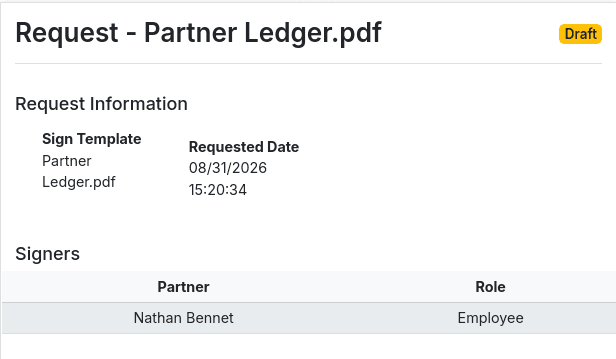
Send documents for secure digital signatures, monitor recipient progress in real time, and manage every signing request from one simple, organized dashboard.
Define signer roles and place signature, date, text, initial, and checkbox fields precisely to create seamless, error-free signing experiences.
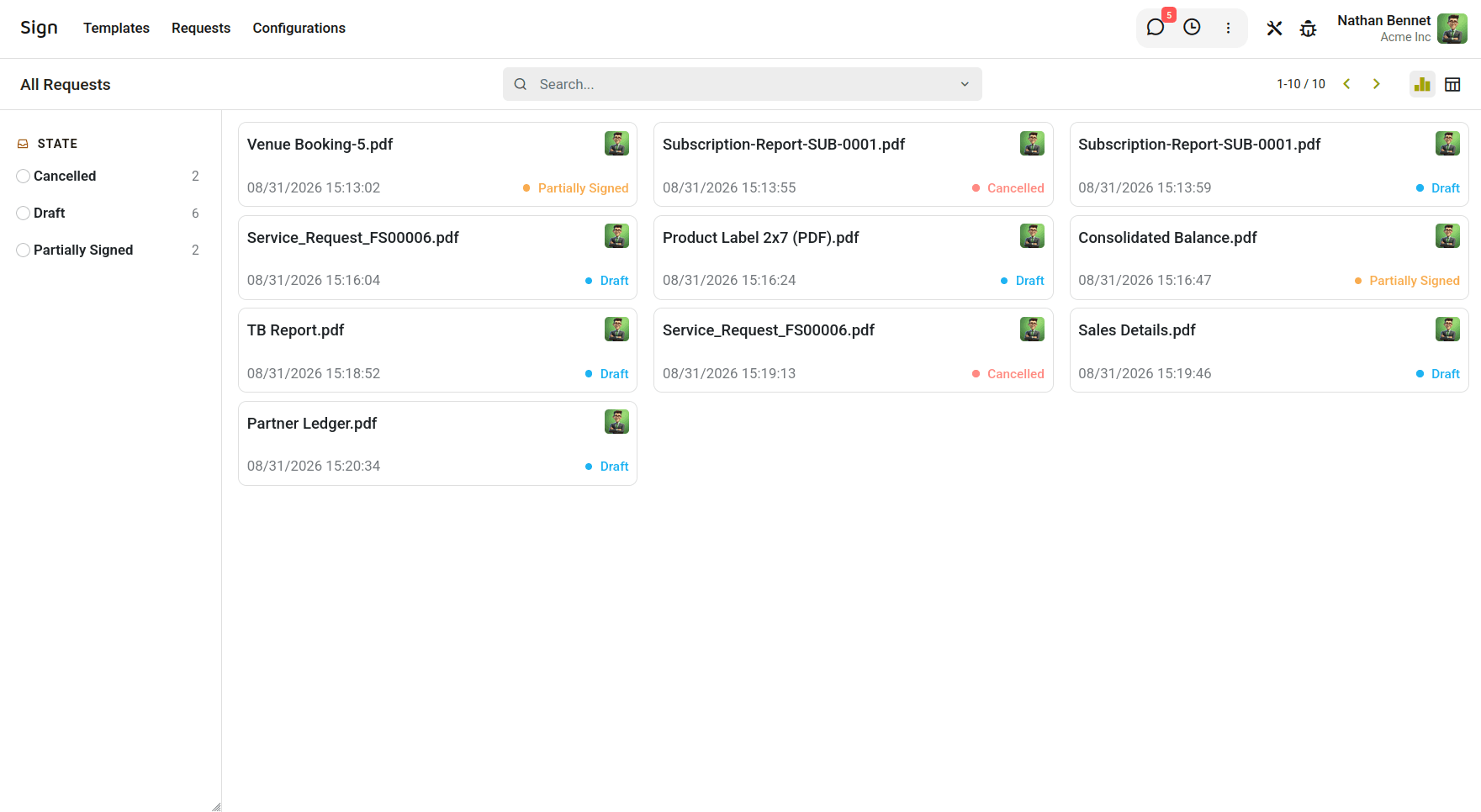
Track all signature requests from a centralized dashboard with real-time statuses, recipient progress, and complete visibility from sending to completion.
Manage every signing request effortlessly, track statuses, monitor progress, and keep documents organized from submission to successful completion with complete visibility across workflows.
Let users access their assigned signing requests through the website portal, review documents, complete required fields, and sign securely online.
Upload a document once, configure its signing fields, and reuse the template to create unlimited sign requests without repeating the setup process.
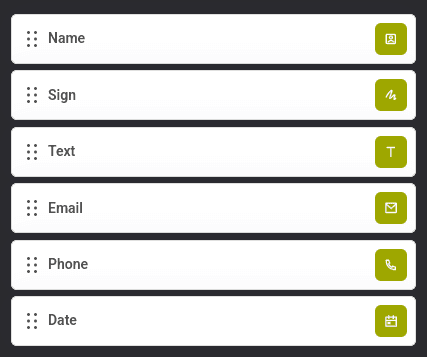
Place signature, text, email, phone, date, and name fields anywhere on the document using an intuitive drag-and-drop editor for quick customization.
Assign each field to specific signer roles, with color-coded indicators that clearly identify responsibilities and simplify multi-party document completion.
Send a single document to multiple signers with different roles while adding CC recipients to keep stakeholders informed throughout the signing process.
Allow recipients to sign documents using an auto-generated signature, handwritten drawing, or uploaded image, providing a convenient signing experience.
Enable customers to review, sign, or decline documents directly from the portal while tracking the progress and status of every sign request.