
Cyllo POS is point of sale software for retail and restaurants. Fast billing, offline mode, barcode scanning and multi-store support let you run multiple locations. Real-time sync to inventory and accounting.

POS operations require fast billing, payment processing, session management, order tracking and reporting. Cyllo POS automates every stage: sales are rung up and charged instantly, offline mode keeps the register working without internet, payments are recorded and reconciled, kitchen operations are tracked, and reports give you real-time sales visibility.

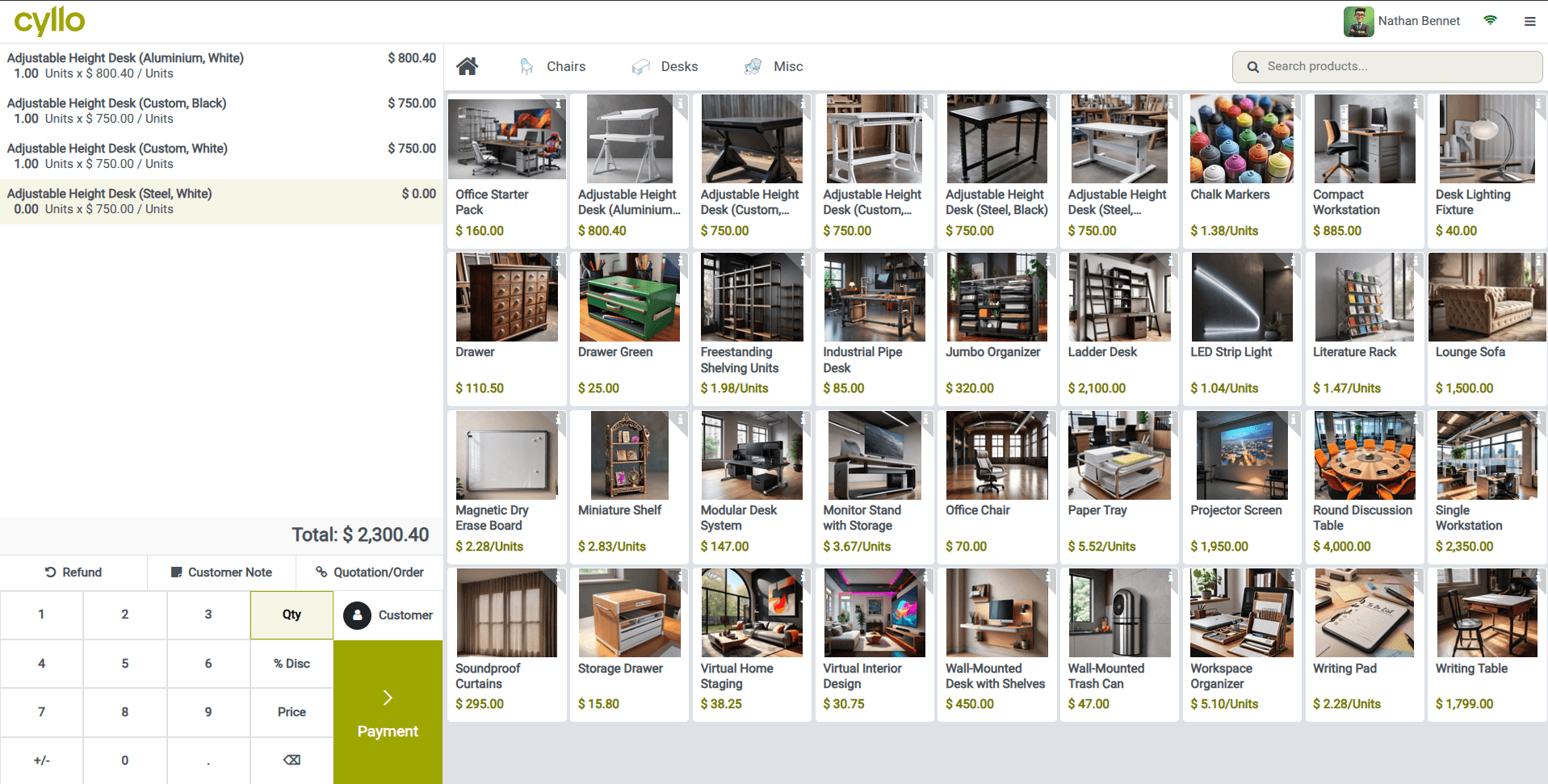
Process orders at lightning speed with a streamlined POS flow — select products, add them to the cart, and complete payment instantly, keeping queues short and service fast.
Guide every transaction through a smooth, intuitive journey — pick items, review the order with clarity, and finalize the bill in just a few clicks for a seamless checkout experience.

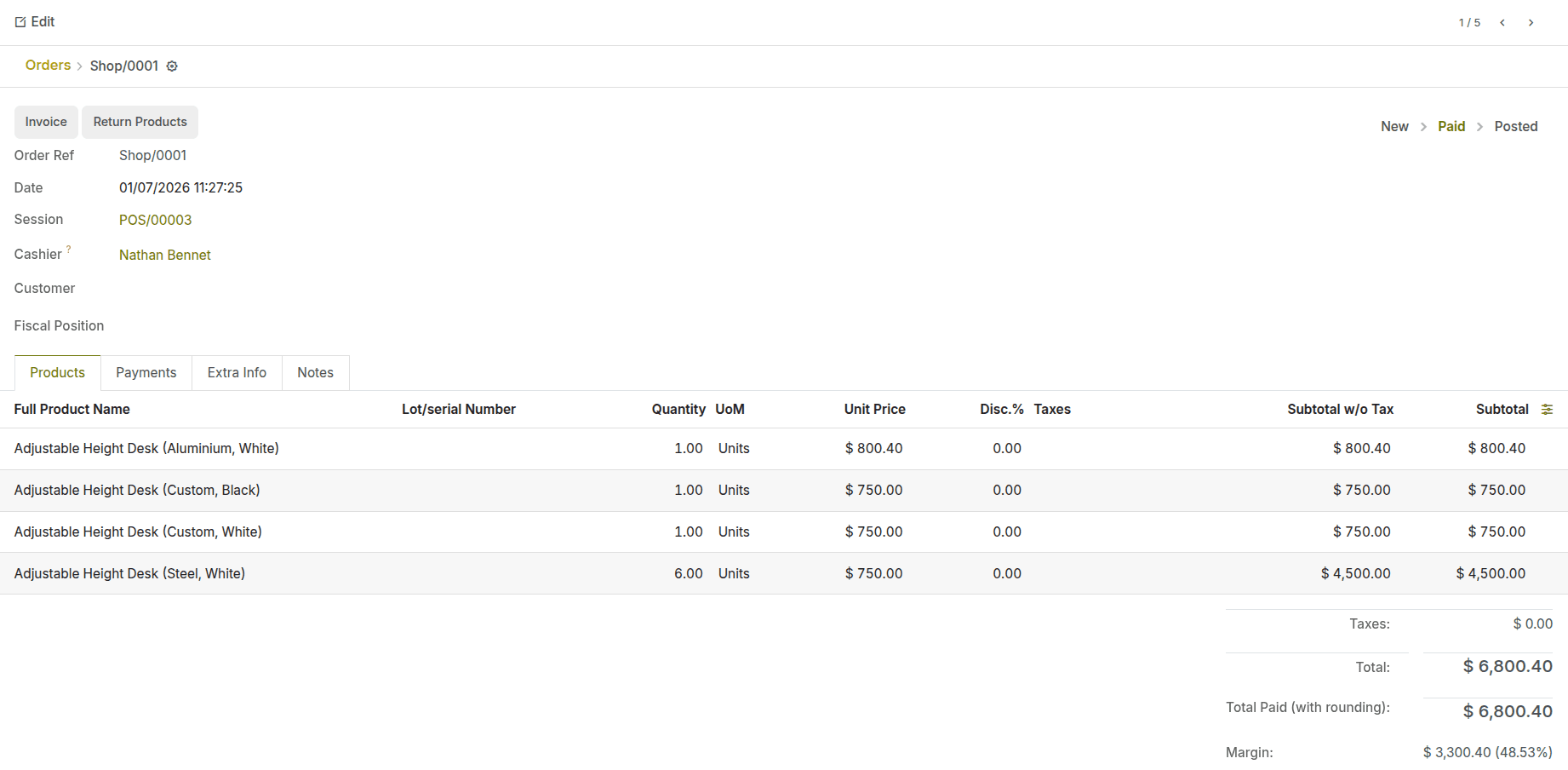
The POS order view keeps all key details organized, helping managers track sales history, resolve customer queries, and audit transactions with confidence.
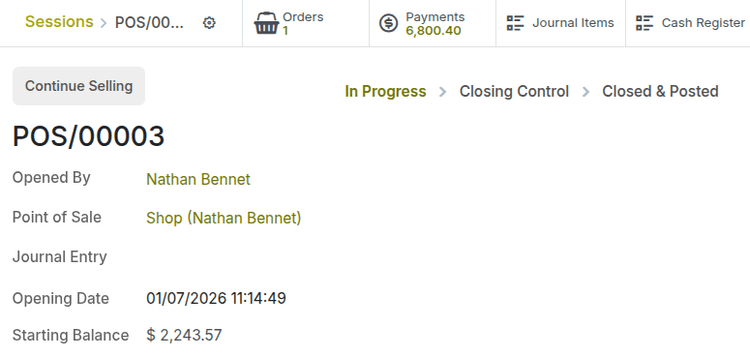
Track openings, sales activity, and closing balances with complete visibility into every shift and counter.

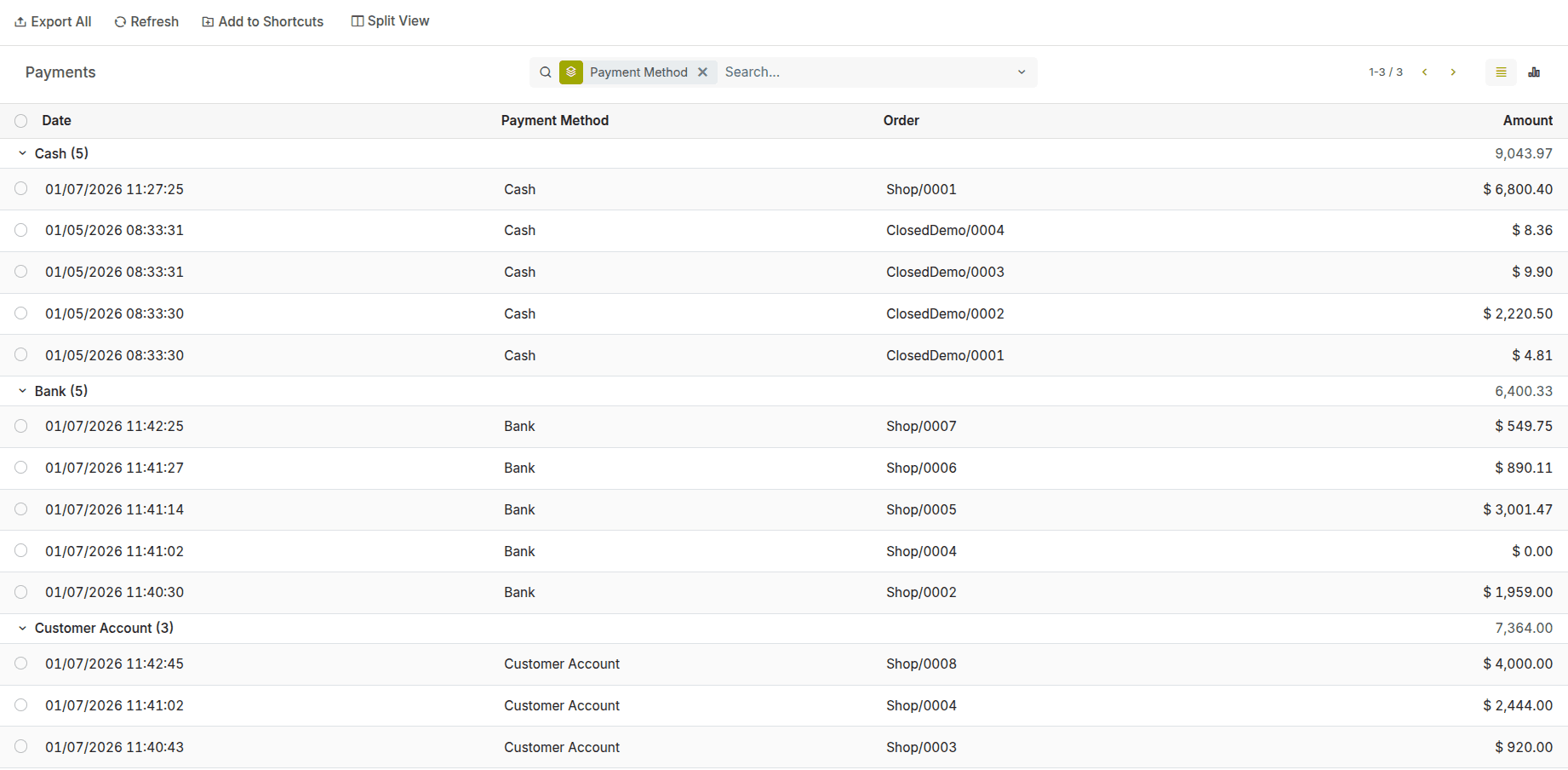
Each payment record links back to its order and session, ensuring an accurate audit trail for verification, reporting, and financial control.
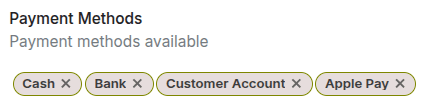
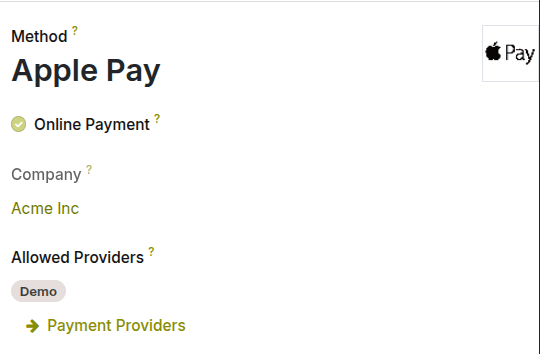
Create and manage POS payment methods such as cash, card, wallet, or UPI — each with its own accounting rules, journals, and reconciliation behavior.

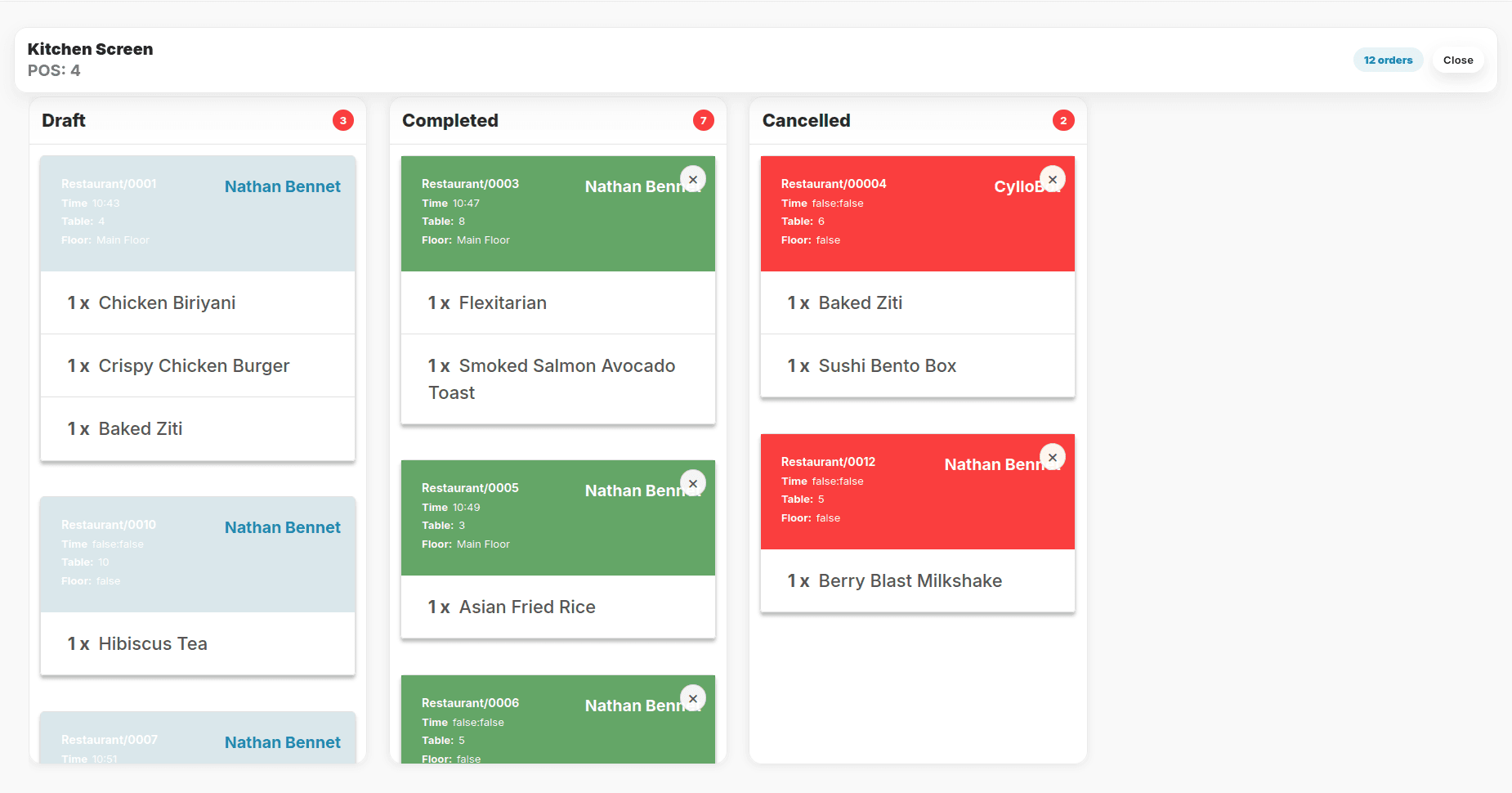
Keep your kitchen operations running smoothly with the Cyllo POS Kitchen Screen. View incoming orders in real time, organize them by preparation status, and help kitchen staff prioritize every dish for faster, more accurate service.
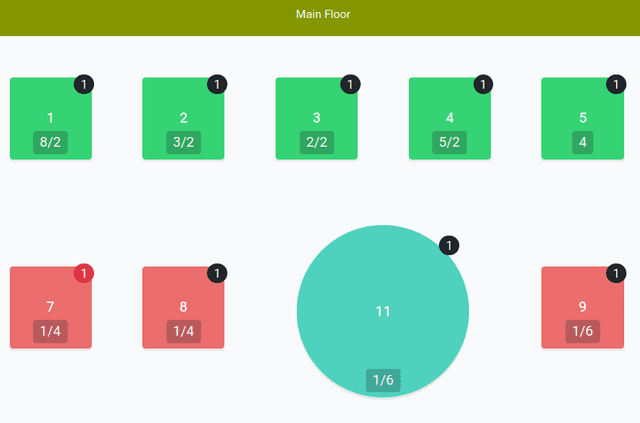
Monitor table activity, order queues, and kitchen progress from a single screen. Instantly identify pending, completed, or cancelled orders, reduce preparation delays, and ensure seamless coordination between the kitchen and front-of-house staff.

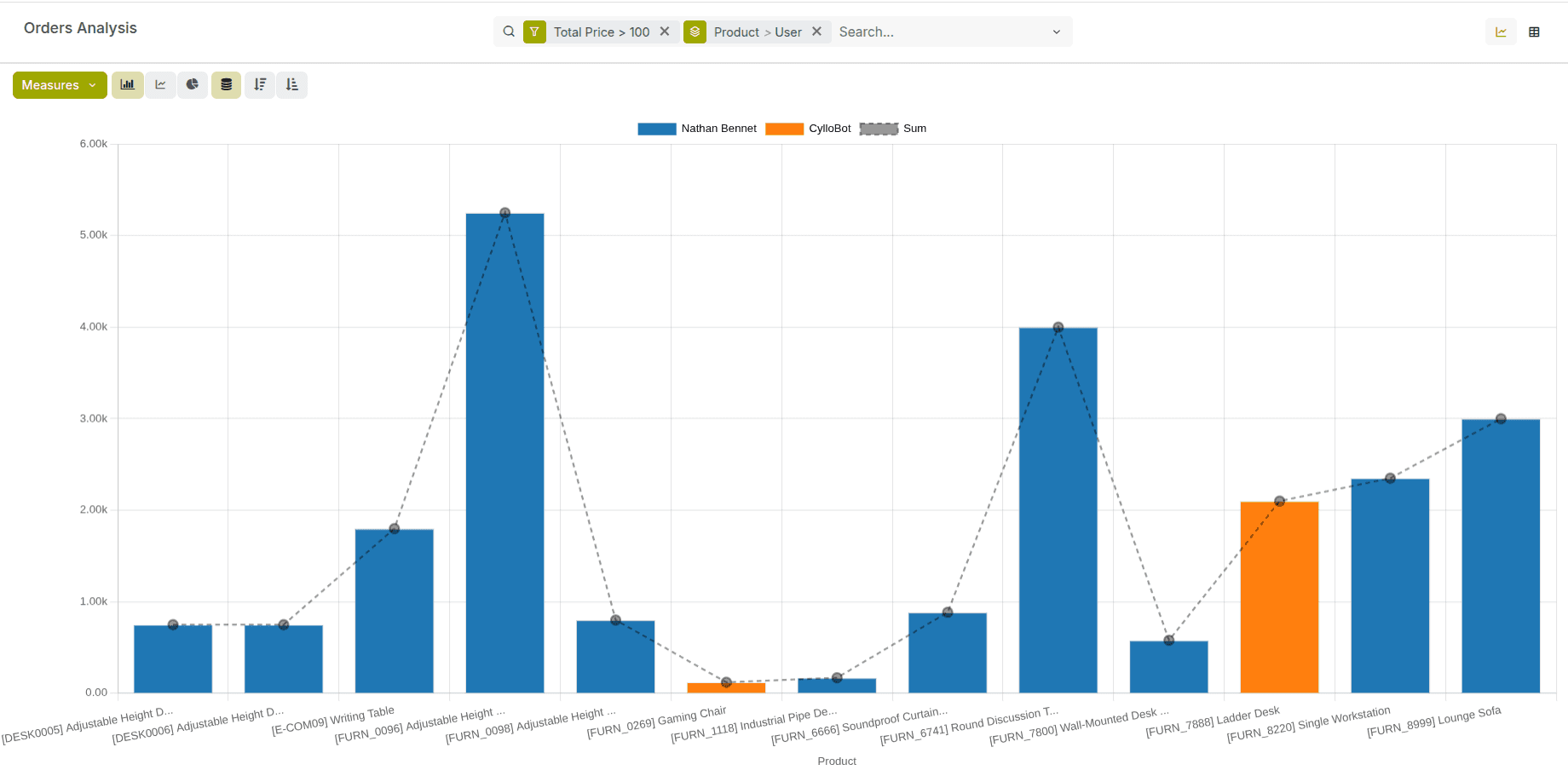
Go beyond numbers with smart charts and graphical reports that reveal how each POS performs over time. Track trends, compare locations, and turn daily transactions into meaningful business intelligence.
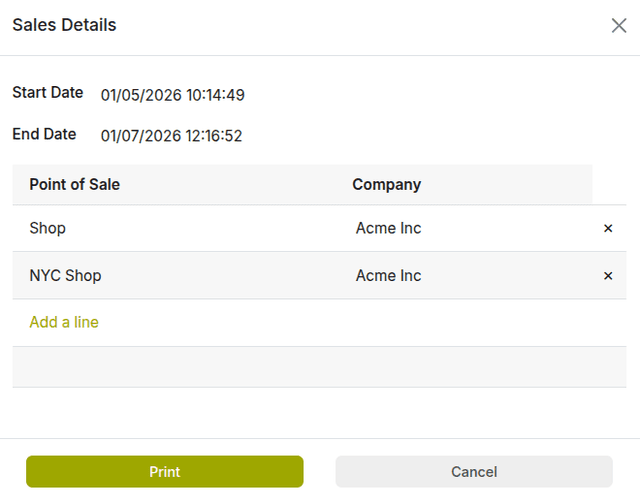
Review sales activity across selected Point-of-Sale locations within a specific date range. It helps you to track transactions by shop and company, compare performance, and export accurate records with a single click.
Defines the rules used to calculate product prices based on conditions. It allows businesses to apply dynamic and customer-specific pricing automatically.
Customize point-of-sale behavior such as payment methods, receipts, pricing, and hardware per POS session.Ensures each POS setup is optimized for the store’s workflow requirements.
Connect and manage POS hardware including ePOS printers, customer displays, preparation printers, and IoT Box–based devices. Ensures smooth order printing, customer-facing displays, and efficient preparation workflows across required areas.
Records cash added to or removed from the POS cash drawer during a session.Ensures accurate cash control and clear tracking of manual cash movements.
Integration of card payment terminals directly with the POS for seamless transactions. Ensures faster, secure payments with automatic synchronization of payment status.
Provides a detailed summary of specific POS sessions including sales, payments, and cash movements. Helps reconcile sessions accurately and analyze cashier performance.