
Effortless Oversight for Every Set of Project
Plan and deliver projects seamlessly with Cyllo. Organize tasks, visualize timelines with Gantt charts, track time, allocate resources, and collaborate—ERP connected.
Plan and deliver projects seamlessly with Cyllo. Organize tasks, visualize timelines with Gantt charts, track time, allocate resources, and collaborate—ERP connected.

Project management requires a structured approach to balance deadlines and resources. This module automates your workflow by combining intuitive task management with integrated time tracking tools. By centralizing collaboration and automating progress reports, it provides the visibility needed to optimize team performance and ensure every project is delivered on schedule and within budget.
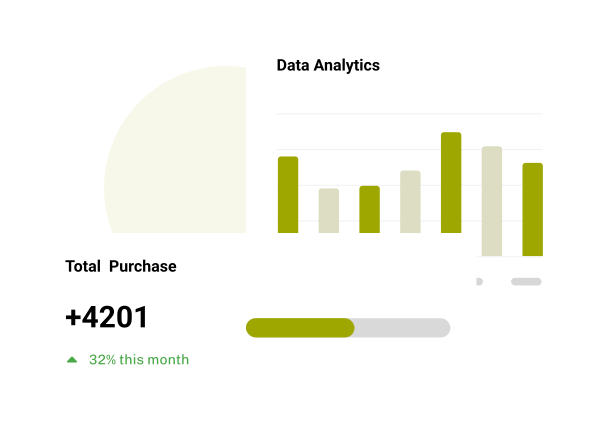

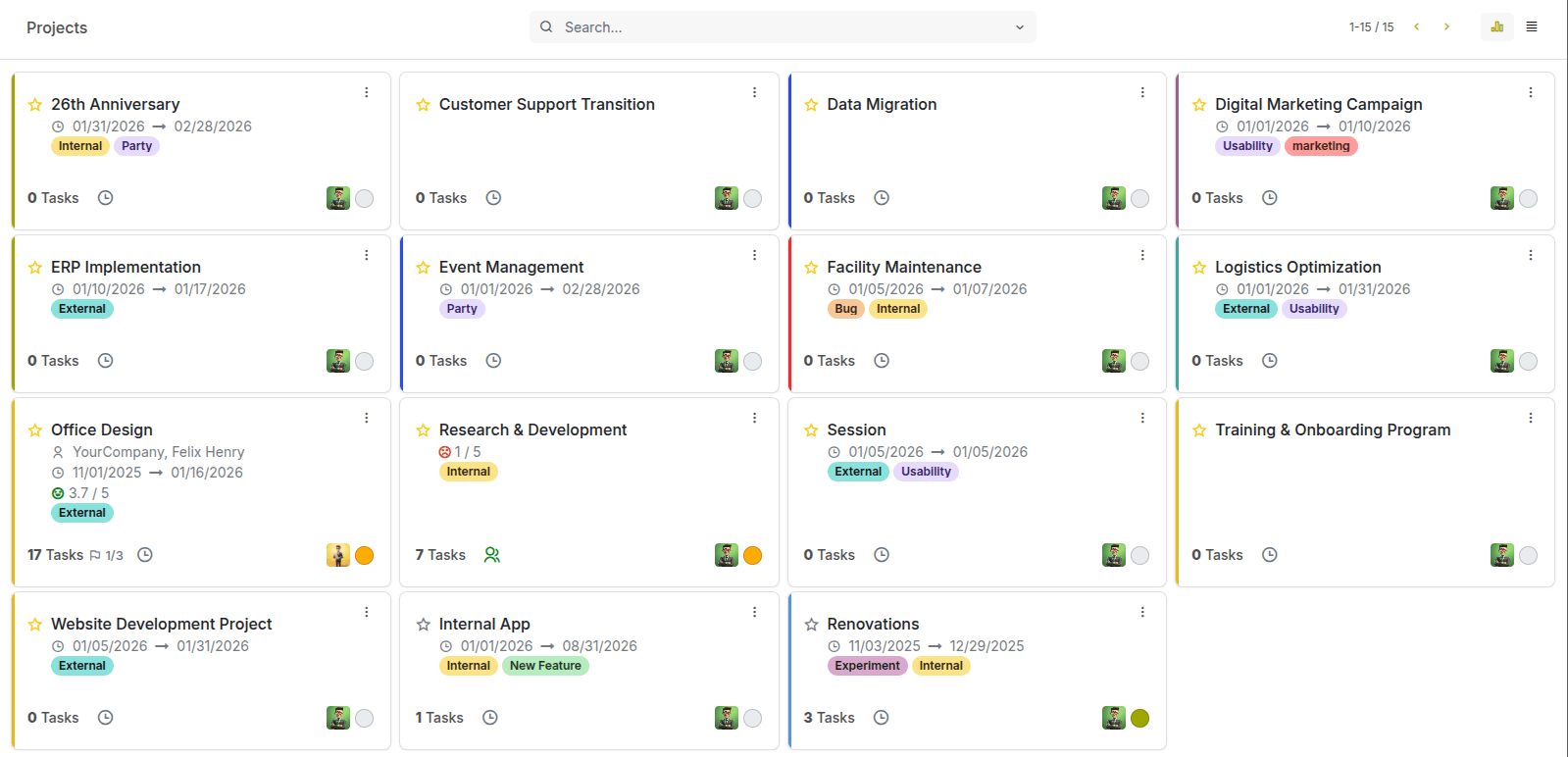
The Kanban dashboard displays every project as a card, giving you a clear, organized overview of your ongoing initiatives — all visible at a glance.
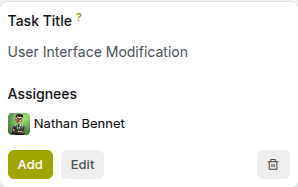
Open a project to see its tasks, team members, deadlines, and activities in one organized space — designed to keep execution clear and collaborative.
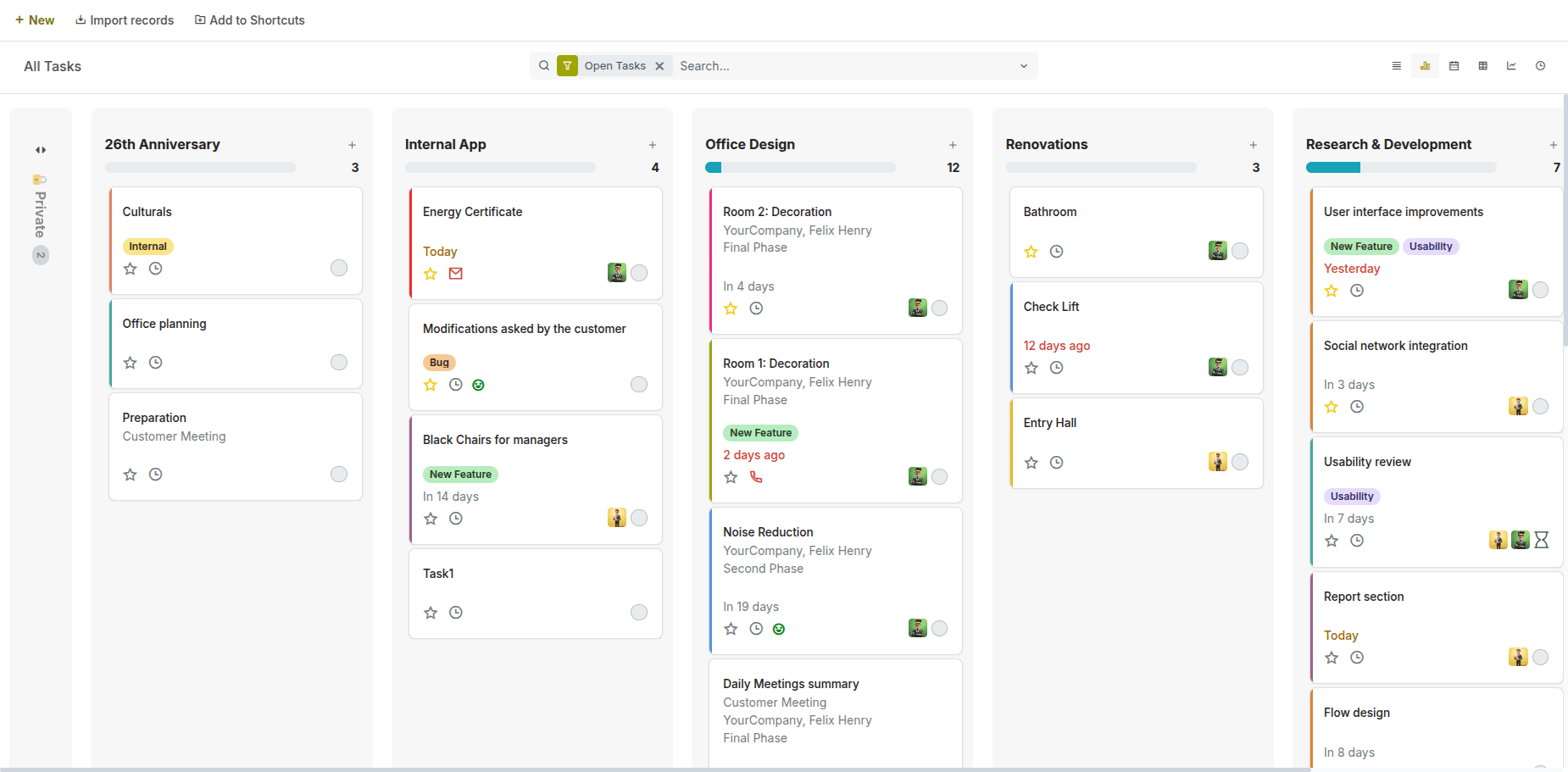
See what needs attention now, what’s coming up, and what can wait — with tasks neatly grouped into Inbox, Today, This Week, and This Month for clear, time-based planning.
Create new tasks in a click, right from the board. For repeating work, enable auto-recurring tasks to keep everything on schedule.
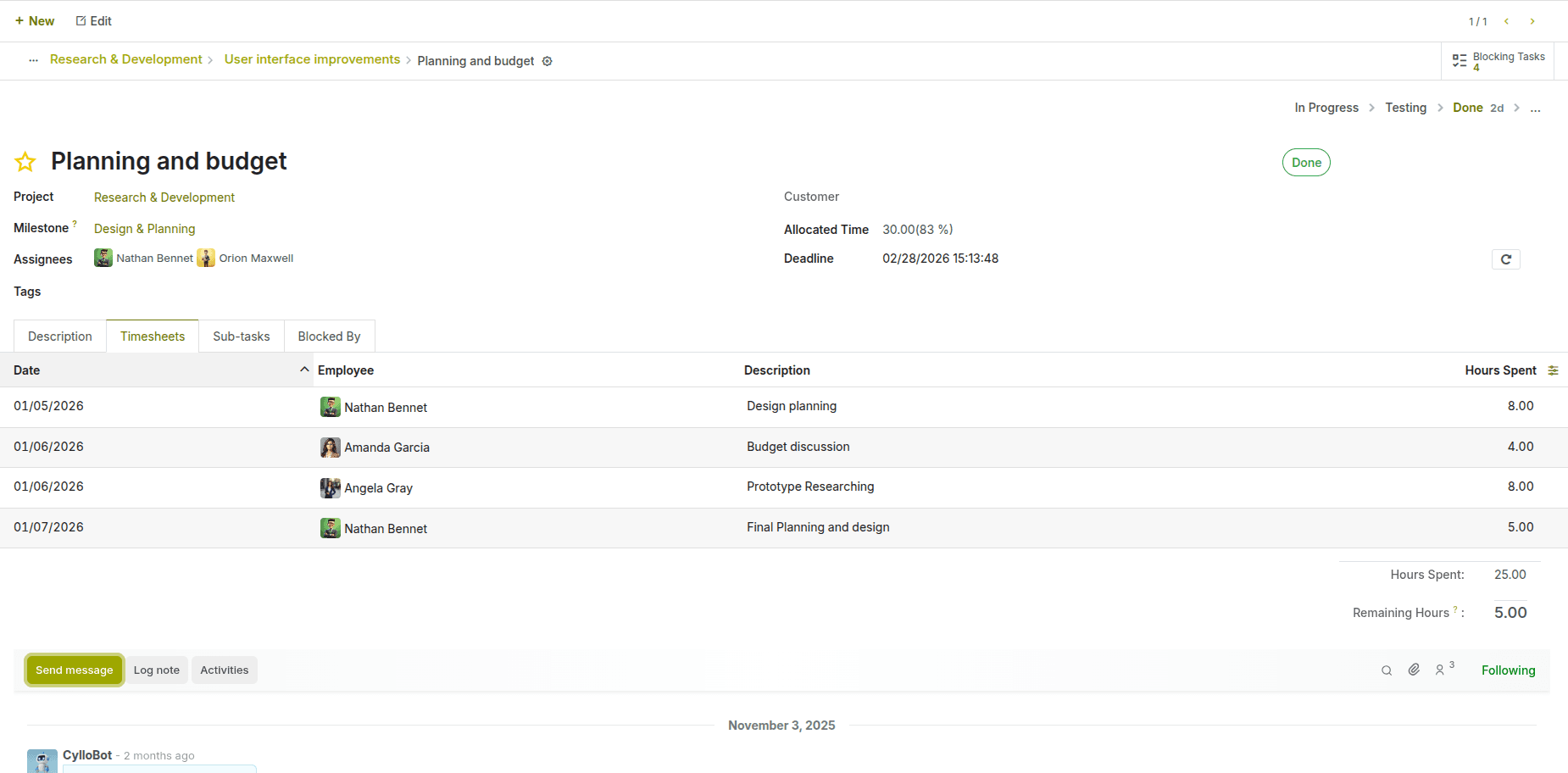
Log time spent on tasks and projects with accuracy, helping teams monitor effort, productivity, and billable hours in one place.
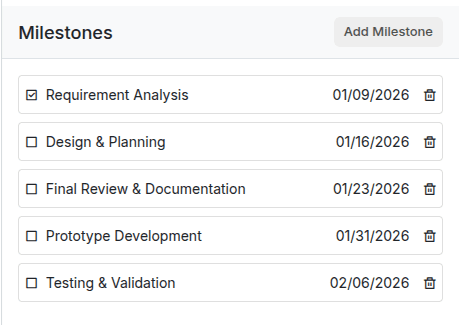
Define key project checkpoints and track progress toward major deliverables — helping teams stay aligned on goals and timelines.
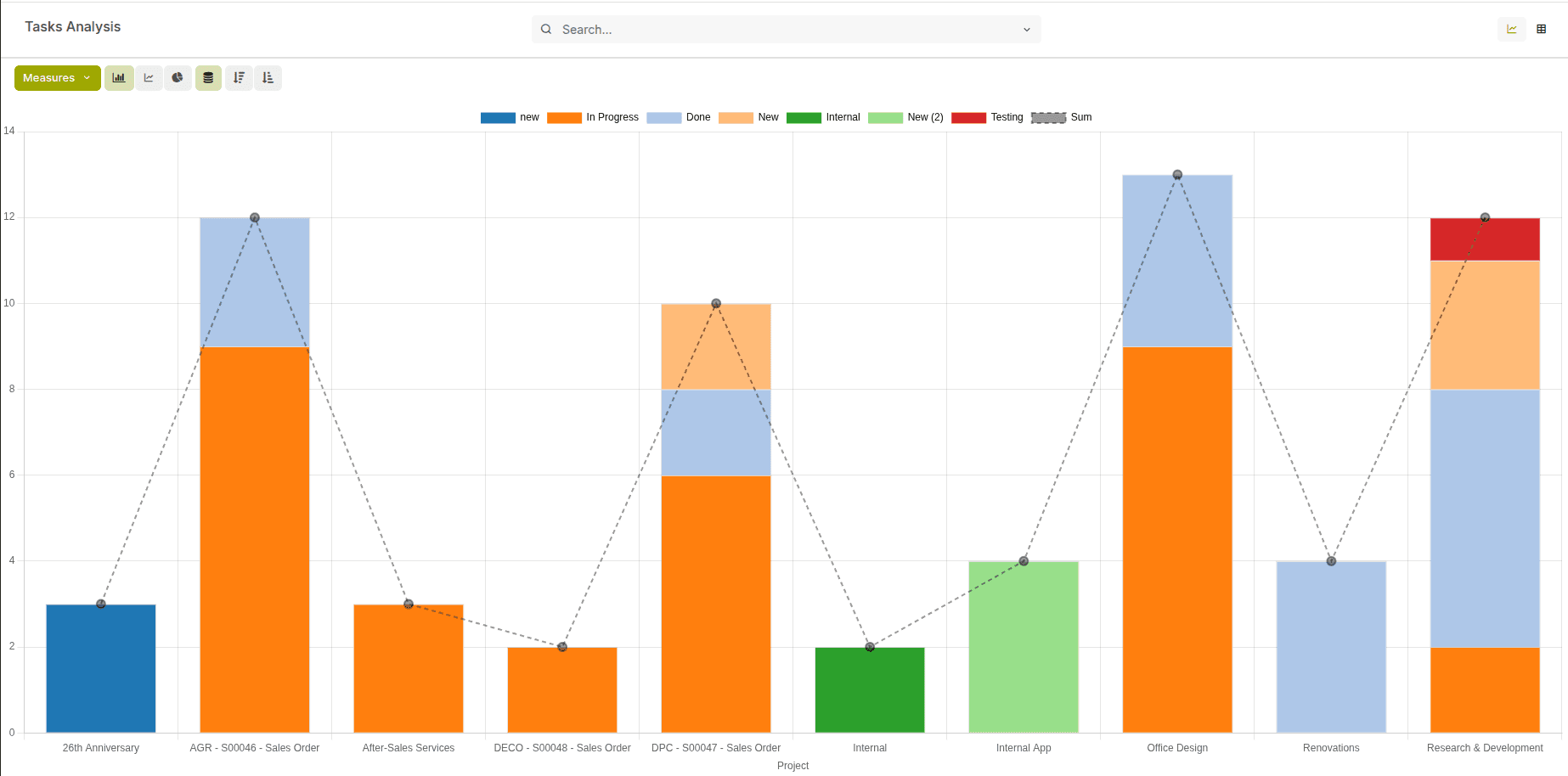
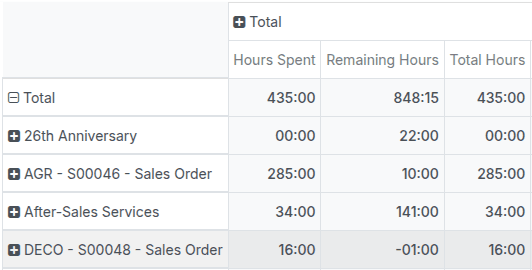
Drill into completion rates, deadlines, effort, and progress — helping teams measure performance and make smarter project decisions.
Group, filter, and compare project data in real time to uncover trends, workload patterns, and performance metrics with precision
Represents a key phase that marks significant progress in a project. Tasks are linked to milestones to track completion status and measure project advancement against defined goals.
Tasks that cannot start or be completed until their prerequisite tasks are finished. This dependency ensures proper task sequencing and accurate scheduling in Gantt and planning views.
Automatically generate tasks at defined intervals. They are used to manage repetitive activities while ensuring consistency and timely execution without manual task creation.
Define the workflow through which tasks move from start to completion. They provide a clear visual progression (Kanban) and help teams track task status and workload efficiently.
Predefined sets of scheduled activities automatically triggered by specific events or stages. They standardize follow-ups, ensure timely actions, and improve consistency across teams.
Allow you to configure at the individual project level, such as timesheets, billing, milestones, or task dependencies. This enables each project to follow its own workflow.