
Organize Each Phase of Your Manufacturing
The manufacturing ERP integrates BOM handling and production management into a single workflow, providing full visibility from planning through final quality checks.
The manufacturing ERP integrates BOM handling and production management into a single workflow, providing full visibility from planning through final quality checks.

Operational efficiency requires a structured approach to complex engineering workflows. This manufacturing ERP integrates production management with real-time inventory and maintenance tracking. By streamlining BOM and work order handling, it ensures precise resource allocation and quality control. The system provides total visibility over the manufacturing lifecycle, allowing businesses to optimize lead times and reduce costs.

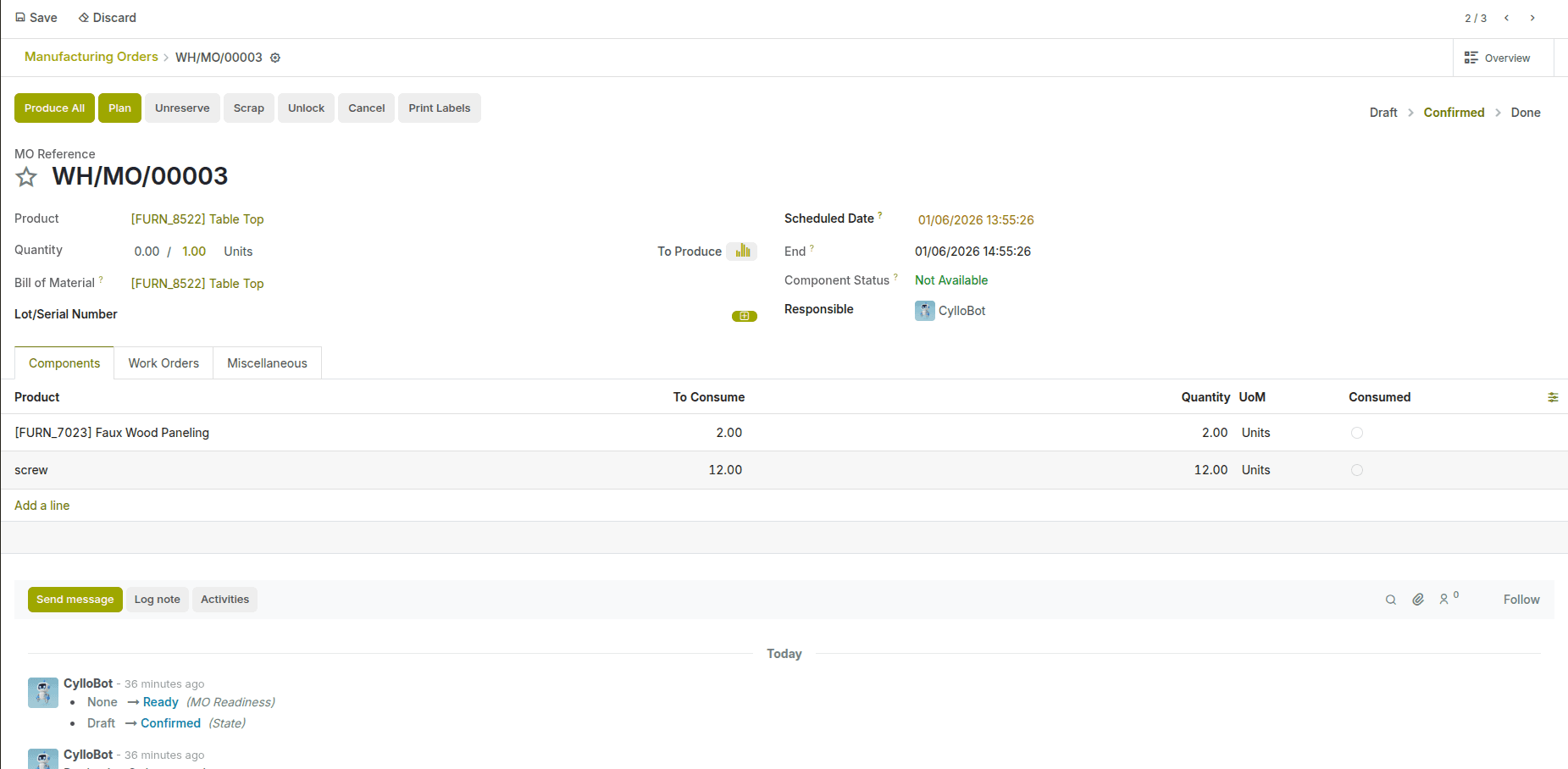
Create and manage manufacturing orders with clear visibility into BOMs, work orders, reservations, and finished goods all linked and easy to follow.
The Bill of Materials view defines the components, quantities, and subassemblies required for production giving you a clear structure of how each product is built before it reaches the manufacturing floor.

Define repeatable workflows, standardize tasks, and monitor execution in real time — helping your production line stay efficient, consistent, and traceable.
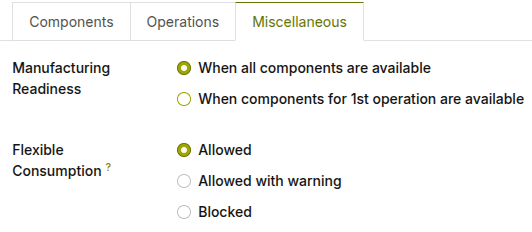
Define when manufacturing can begin and how strictly materials are consumed — from full flexibility to controlled or fully blocked usage.
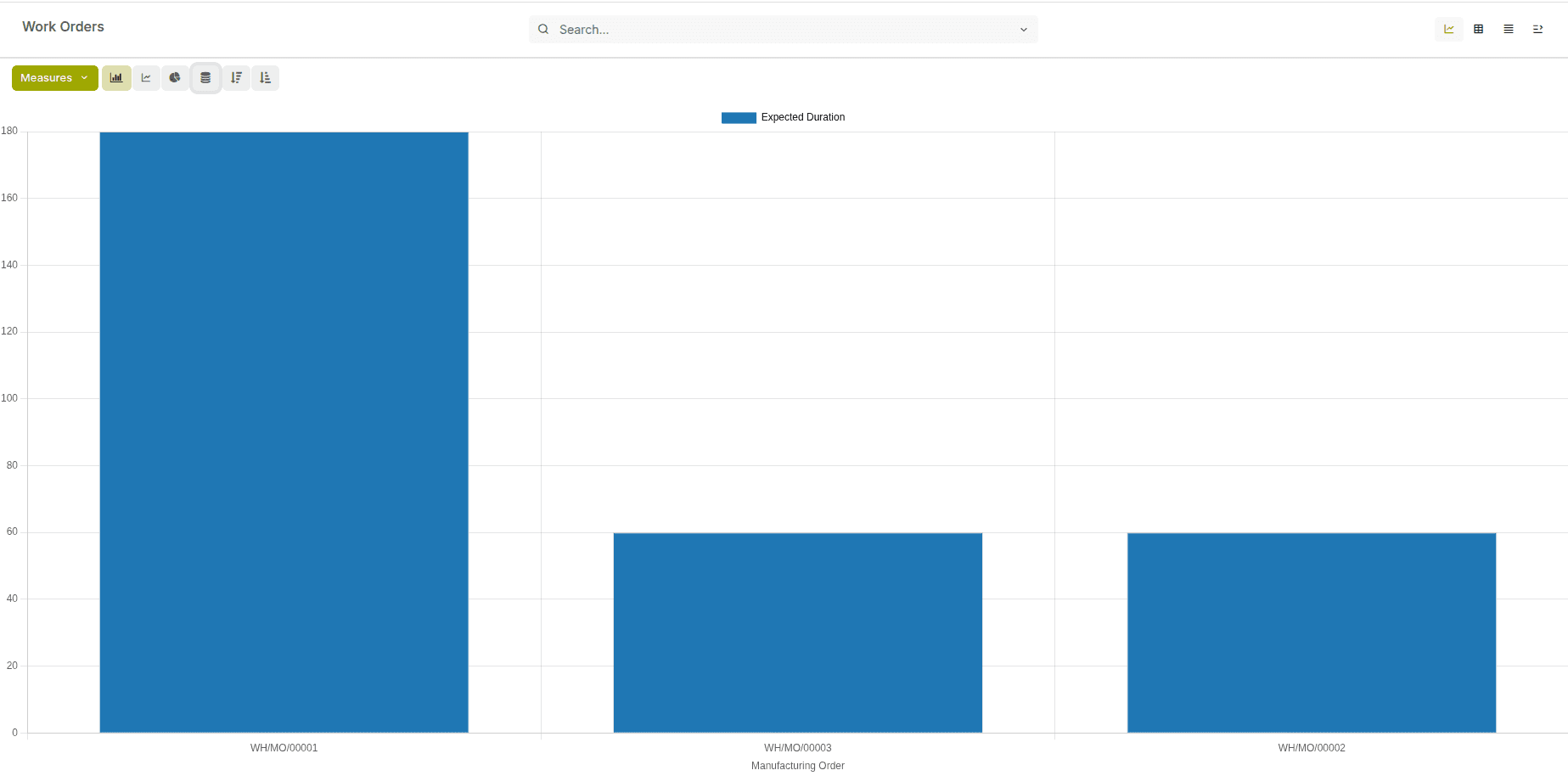
Review operation times, quantities produced, operator activity, and efficiency metrics — giving you a clear picture of how each work order performed on the shop floor.
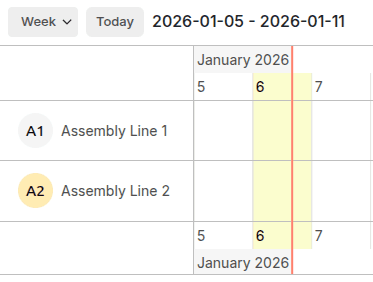
View each assembly line on a timeline and see scheduled operations by day or week, helping you coordinate workloads and keep production aligned with capacity.
Creates Manufacturing Orders when a product is required. It also generates PO or sub-MO for components by integrating sales, inventory, and purchase workflows.
Defines the list of components, quantities, and operations required to manufacture a product. It serves as the blueprint for production.
Outsource sub components to external vendors. Helps to automatically manage component supply, stock movements, and valuation for subcontracted production.
Shows how required components are reserved and allocated across active MOs. It helps planners identify shortages, over-allocations, and take timely replenishment actions.
Define the execution order between work orders within a manufacturing process. They ensure that subsequent operations start only after prerequisite steps are completed.
Reverse a manufacturing order by disassembling a finished product back into its components. This helps correct production errors and restore inventory accurately.